Week 4

R Basics (3) - EDA and ggplot2

Agenda

  • Reading discussion
  • EDA: preparing data for graphics
  • ggplot2: why do we use it?
  • Activity: coding practice

Reading Discussion

In groups of 2-3, discuss the reading:

  1. Review: What data is used in this graphic? What is a cause of potential messiness that would need to be addressed?
  2. What’s one thing you liked about how the graphic portrays the data?
  3. What’s one thing you would change about the graphic to make it better?

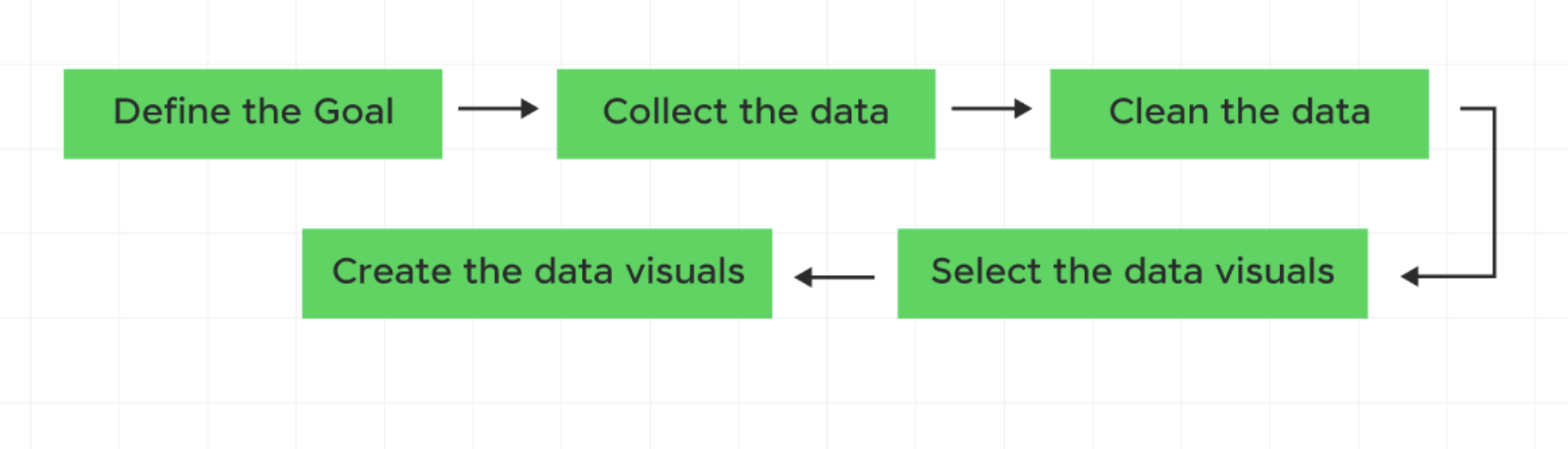
Reminder of DataViz Workflow

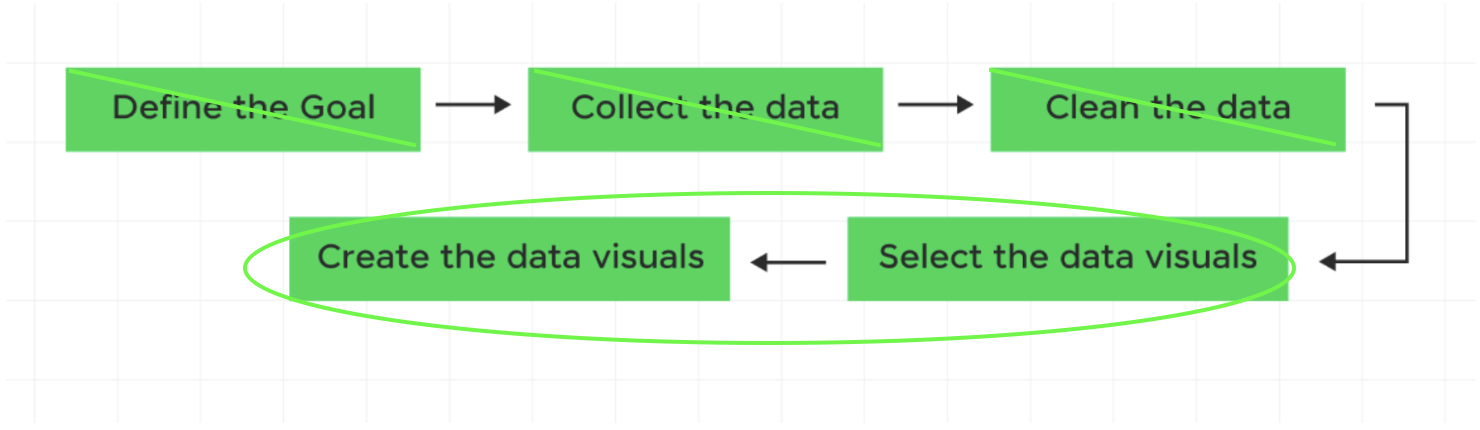
Reminder of DataViz Workflow
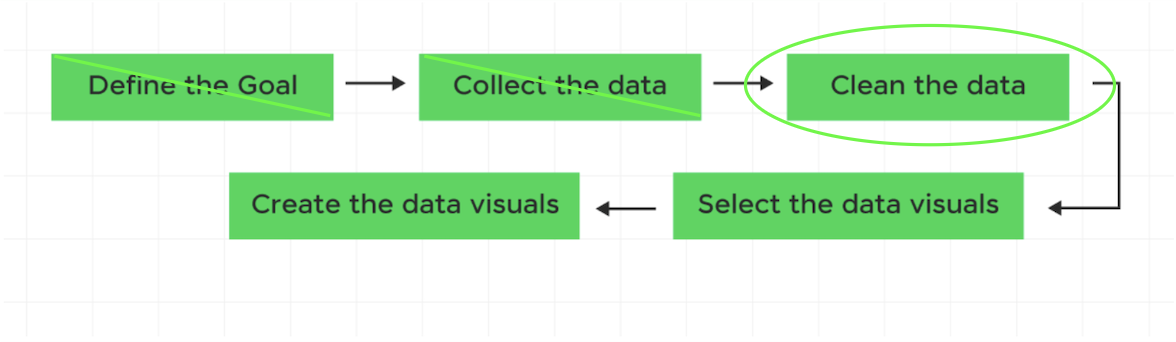
Exploratory Data Analysis

After having cleaned the data, we want to get a sense of what we are looking at.

Let’s use our farm_data data as an example.

# Recall our farm data:
library(tidyverse)
farm_data <- tibble(
  employee_id = 1:10,
  hours_worked = c(40, 55, 38, 60, 45, 50, 42, 65, 37, 48),
  seasonal_worker = c(TRUE, TRUE, FALSE, TRUE, FALSE, TRUE, FALSE, TRUE, FALSE, FALSE),
  supervisor = c(FALSE, FALSE, TRUE, FALSE, TRUE, FALSE, TRUE, FALSE, TRUE, FALSE),
  commute_min = c(15, 35, 20, 50, 10, 40, 25, 60, 12, 30),
  primary_crop = c("Corn", "Wheat", "Corn", "Soy",
                   "Soy", "Wheat", "Corn", "Soy",
                   "Corn", "Wheat"),
  years_experience = c(2, 5, 10, 3, 12, 4, 8, 1, 15, 6),
  hourly_wage = c(18, 20, 25, 19, 28, 21, 24, 17, 30, 23)
)

farm_data
# A tibble: 10 × 8
   employee_id hours_worked seasonal_worker supervisor commute_min primary_crop
         <int>        <dbl> <lgl>           <lgl>            <dbl> <chr>       
 1           1           40 TRUE            FALSE               15 Corn        
 2           2           55 TRUE            FALSE               35 Wheat       
 3           3           38 FALSE           TRUE                20 Corn        
 4           4           60 TRUE            FALSE               50 Soy         
 5           5           45 FALSE           TRUE                10 Soy         
 6           6           50 TRUE            FALSE               40 Wheat       
 7           7           42 FALSE           TRUE                25 Corn        
 8           8           65 TRUE            FALSE               60 Soy         
 9           9           37 FALSE           TRUE                12 Corn        
10          10           48 FALSE           FALSE               30 Wheat       
# ℹ 2 more variables: years_experience <dbl>, hourly_wage <dbl>

Q1: What are the cols and rows?

dim(farm_data)
[1] 10  8
sapply(farm_data, class)
     employee_id     hours_worked  seasonal_worker       supervisor 
       "integer"        "numeric"        "logical"        "logical" 
     commute_min     primary_crop years_experience      hourly_wage 
       "numeric"      "character"        "numeric"        "numeric" 

Q1: What are the cols and rows?

farm_data
# A tibble: 10 × 8
   employee_id hours_worked seasonal_worker supervisor commute_min primary_crop
         <int>        <dbl> <lgl>           <lgl>            <dbl> <chr>       
 1           1           40 TRUE            FALSE               15 Corn        
 2           2           55 TRUE            FALSE               35 Wheat       
 3           3           38 FALSE           TRUE                20 Corn        
 4           4           60 TRUE            FALSE               50 Soy         
 5           5           45 FALSE           TRUE                10 Soy         
 6           6           50 TRUE            FALSE               40 Wheat       
 7           7           42 FALSE           TRUE                25 Corn        
 8           8           65 TRUE            FALSE               60 Soy         
 9           9           37 FALSE           TRUE                12 Corn        
10          10           48 FALSE           FALSE               30 Wheat       
# ℹ 2 more variables: years_experience <dbl>, hourly_wage <dbl>

Q1: What are the cols and rows?

  • Unit of observation: an individual farm worker
  • Variables: employee ID (integer), hours worked (numeric), seasonal worker (logical), supervisor (logical), commute in minutes (numeric), primary crop (character), years of experience (numeric), hourly wage (numeric)

A description of the variables is often stored in a separate file called a data dictionary.

Q2: Is there any missing data?

Option 1: Total missing values

library(dplyr)
sum(is.na(farm_data))
[1] 0

Option 2: Proportion missing counts

farm_data |>
  summarize(across(everything(), ~ mean(is.na(.))))
# A tibble: 1 × 8
  employee_id hours_worked seasonal_worker supervisor commute_min primary_crop
        <dbl>        <dbl>           <dbl>      <dbl>       <dbl>        <dbl>
1           0            0               0          0           0            0
# ℹ 2 more variables: years_experience <dbl>, hourly_wage <dbl>

Q3: What is the distribution of years_experience?
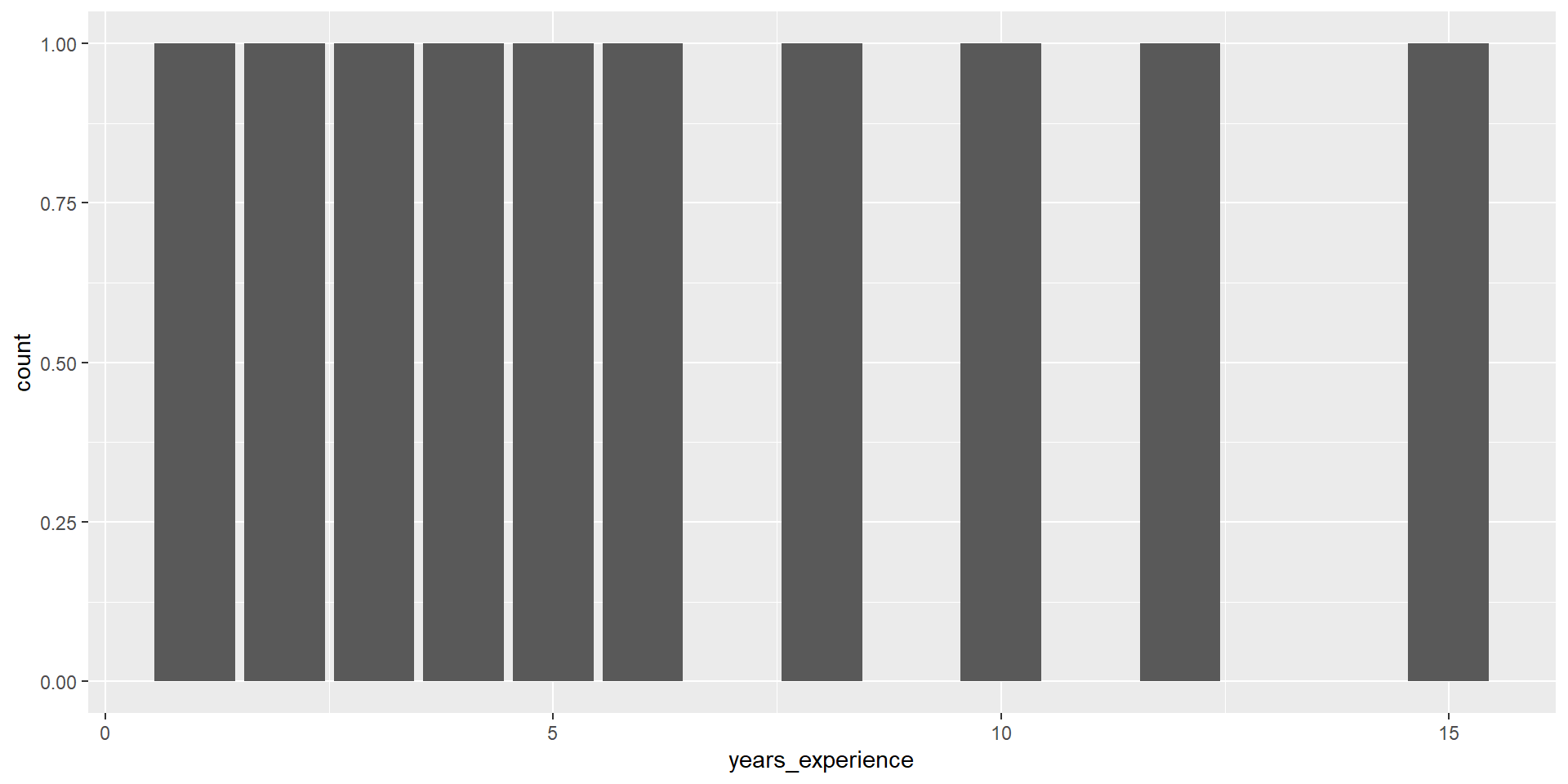
library(ggplot2)
farm_data |>
  ggplot(aes(x = years_experience)) +
  geom_bar()

Q3: What is the distribution of years_experience?
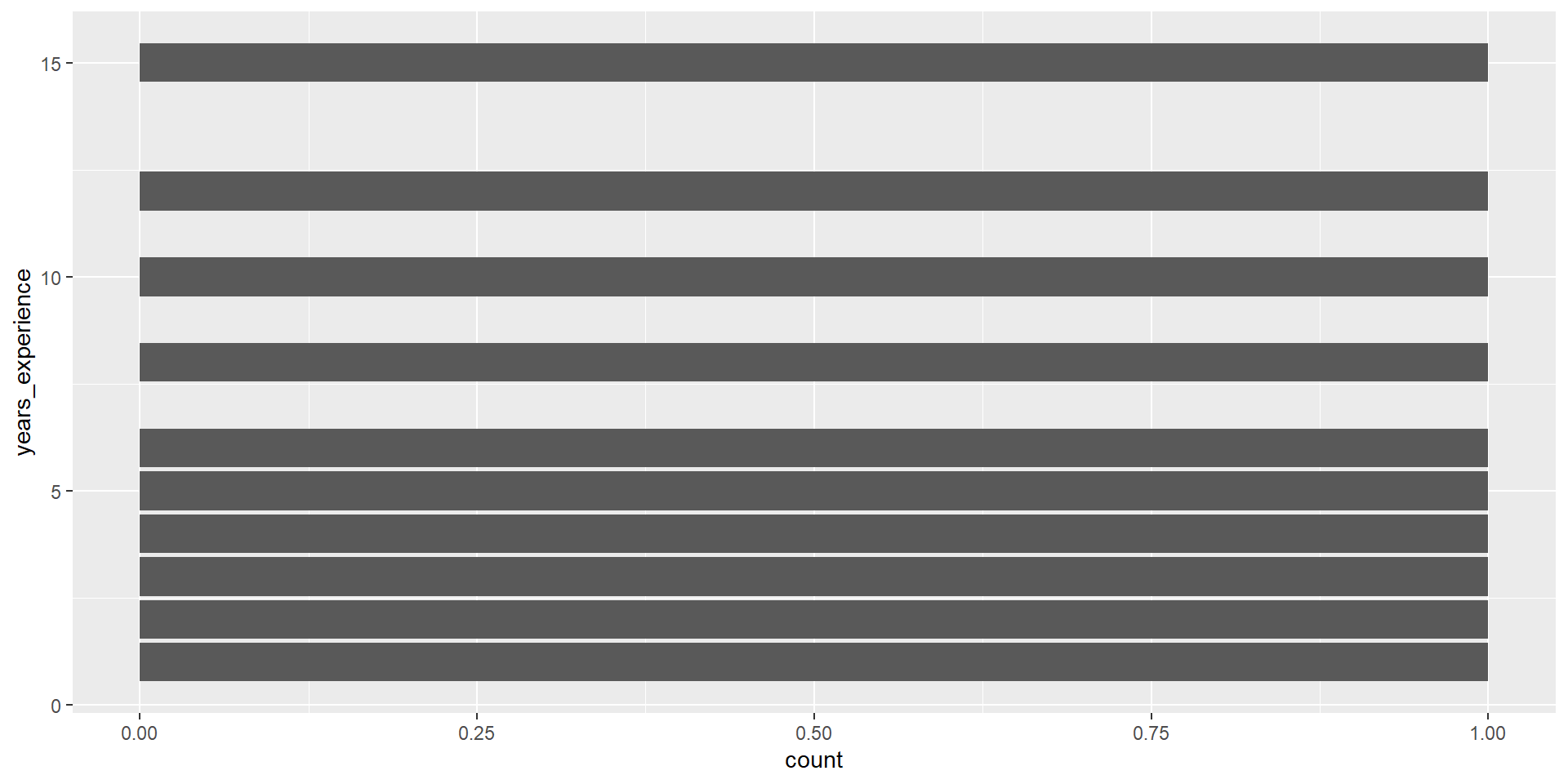
farm_data |>
  ggplot(aes(y = years_experience)) +
  geom_bar()

geom_bar()

geom_bar() counts up the number of observations in each level of a single variable, then draws bars up to that height.

Summarizing with counts

farm_data |>
  group_by(primary_crop) |>
  summarize(count = n())
# A tibble: 3 × 2
  primary_crop count
  <chr>        <int>
1 Corn             4
2 Soy              3
3 Wheat            3

geom_col()

geom_col() takes one column of categories and draws a bar for each up to the height of a second column of counts.
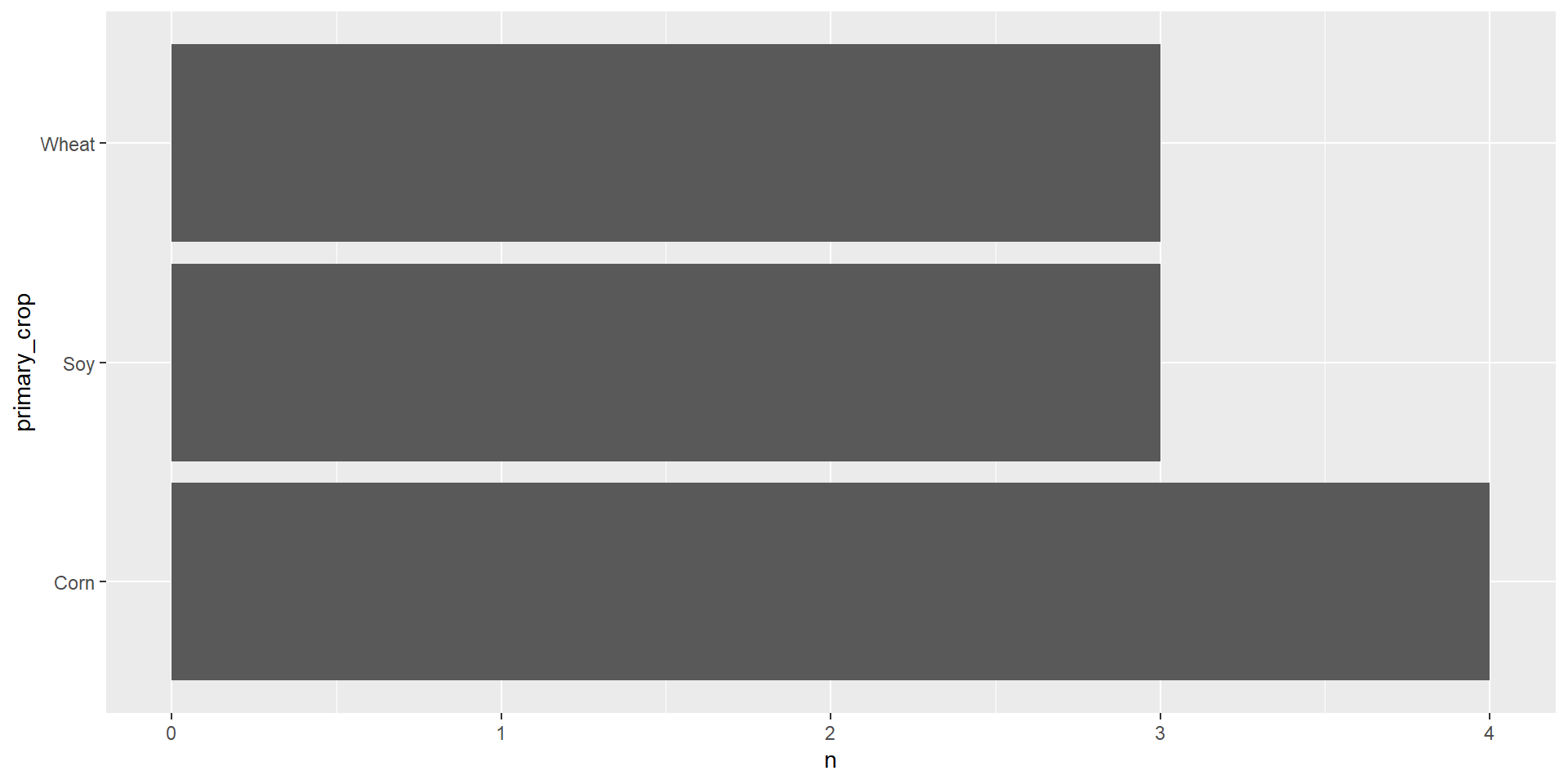
farm_data |>
  count(primary_crop) |>
  ggplot(aes(y = primary_crop, x = n)) +
  geom_col()

Two types of Viz

Exploratory Data Analysis (EDA)

Explanatory Data Analysis

Reminder of DataViz Workflow

What is ggplot2?

  • Last week: packages in R
  • Today: ggplot2 package
  • A data visualization package for the R programming language

Examples of graphs we can make with ggplot2
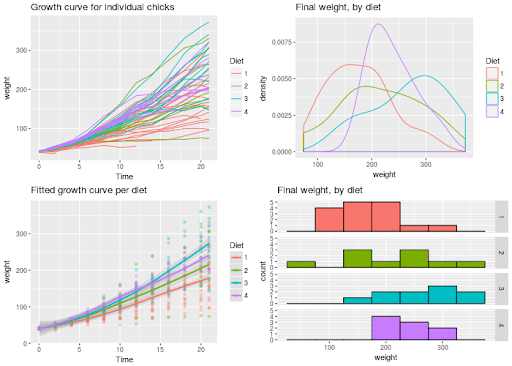
ggplot2()

A plot can be decomposed into three primary elements (according to grammar of graphics):

  1. the data,
  2. the aesthetic mapping of the variables in the data to visual channels, and
  3. the geometry used to translate the observations into marks on the plot.

library(tidyverse)
library(dplyr)
library(palmerpenguins)
#| label: "hi mom"
penguins |>
  select(bill_length_mm,
         flipper_length_mm,
         species)
# A tibble: 344 × 3
   bill_length_mm flipper_length_mm species
            <dbl>             <int> <fct>  
 1           39.1               181 Adelie 
 2           39.5               186 Adelie 
 3           40.3               195 Adelie 
 4           NA                  NA Adelie 
 5           36.7               193 Adelie 
 6           39.3               190 Adelie 
 7           38.9               181 Adelie 
 8           39.2               195 Adelie 
 9           34.1               193 Adelie 
10           42                 190 Adelie 
# ℹ 334 more rows
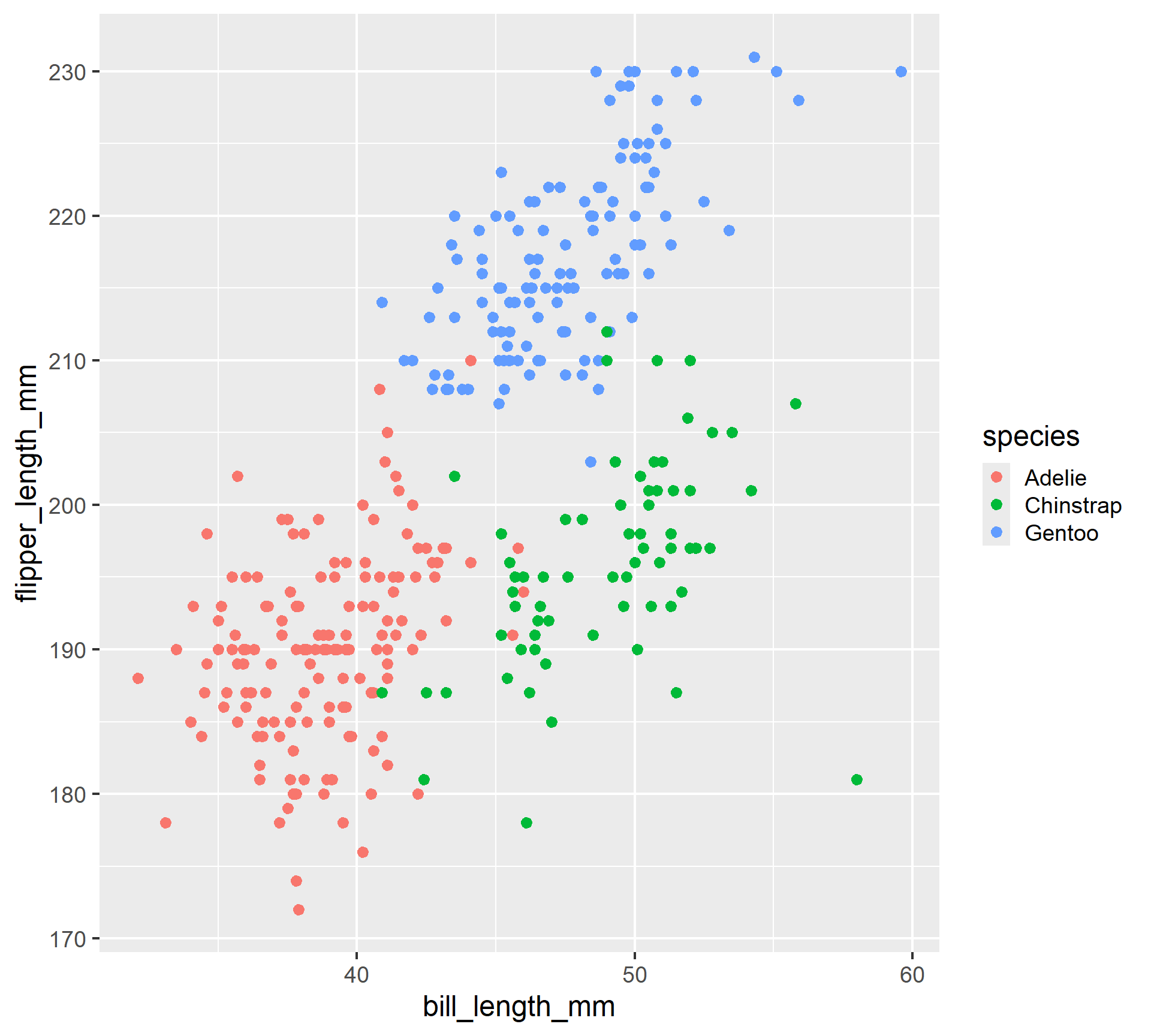
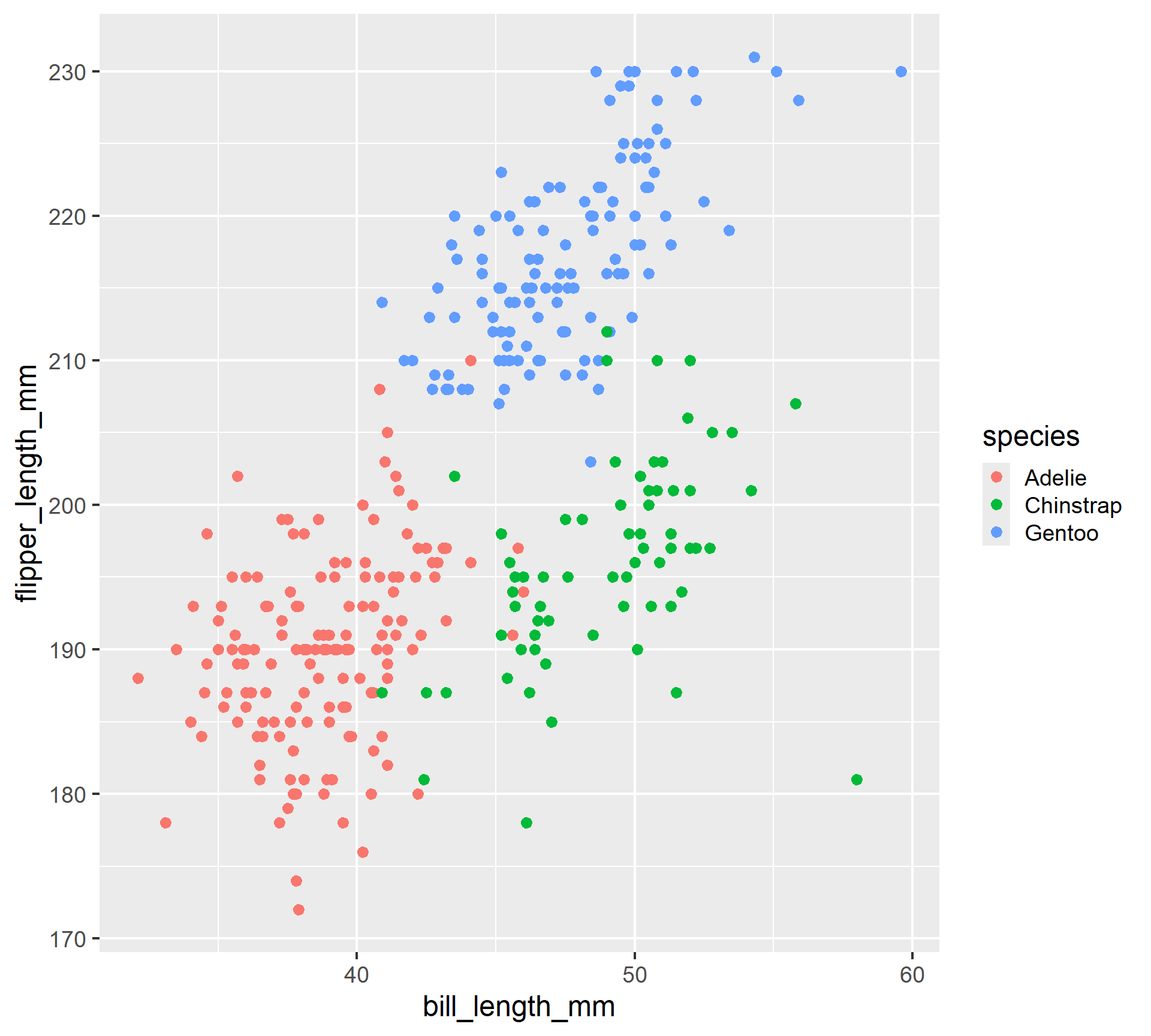
penguins |>
  ggplot(aes(x = bill_length_mm,
             y = flipper_length_mm,
             color = species)) +
  geom_point()

ggplot2() syntax

ggplot2() builds a plot layer by layer, each one added on top of one another with + (not |>).

  • ggplot(df) creates canvas
  • aes() creates mappings, called inside ggplot() or a geom()
  • geom_() puts down marks using declared geometry

Layer by layer

penguins |>
  ggplot(aes(x = bill_length_mm,
             y = flipper_length_mm,
             color = species)) +
  geom_point() +
  theme_gray(base_size = 18)

Common aes()

  • x
  • y
  • color
  • fill
  • size
  • shape
  • alpha

Common geom_()

  • geom_point()
  • geom_bar() / geom_col()
  • geom_line()
  • geom_histogram()
  • geom_boxplot()
  • geom_violin()
  • geom_density()

Activity: Coding Practice

Go to BCourses and download the week4-activity.qmd file to work on today’s coding activity.